Streaming Gear: Managing Live Data Delivery
Live streaming shifts the computational burden of content creation from post-production rendering into real-time processing. This environment requires zero-latency video routing, hardware-accelerated encoding, and robust network infrastructure. This guide covers the technical hardware required for a professional broadcast.
Video Ingestion: Capture Cards
Standard computers output video data via HDMI or DisplayPort, but they generally cannot ingest it. A capture card acts as a bridge, accepting uncompressed HDMI or SDI video signals from dedicated cameras and converting them into a digital stream the computer's USB or PCIe bus can process.
PCIe vs. USB Capture
- PCIe Capture Cards: Installed directly onto the computer's motherboard. These bypass the USB controller bottleneck, offering the lowest possible latency and the bandwidth required for multi-channel 4K ingestion.
- USB / Thunderbolt Interfaces: External boxes that utilize USB 3.0 or Thunderbolt protocols. They are highly portable and plug-and-play, but they share bandwidth with other peripheral devices. Ensure your motherboard has dedicated USB controllers if plugging in multiple 1080p60 sources.
Hardware Switchers
For multi-camera setups, relying on software to composite and switch between four different 4K USB inputs can cripple a CPU. A hardware switcher acts as an external processing hub. You plug all cameras directly into the switcher via HDMI or SDI. The switcher internally processes the video, executes the cuts, transitions, and picture-in-picture effects, and then outputs a single, composited feed to the computer via USB (appearing to the computer as a standard webcam).
This drastically reduces the host PC's computational load, freeing up resources for gaming or software demonstrations.
Encoding Hardware and Bitrates
Raw 1080p60 video requires approximately 3 Gbps of data bandwidth—far exceeding standard internet upload speeds. The video must be heavily compressed (encoded) in real-time before transmission.
CPU vs. GPU Encoding
Software encoding (like the x264 codec) relies on your computer's CPU. While it yields excellent image quality at low bitrates, it consumes massive processing power. Hardware encoding utilizes dedicated silicon on a graphics card (such as NVIDIA's NVENC). NVENC offloads the video compression entirely to the GPU, allowing the CPU to handle game logic or application processing without dropping frames.
Understanding Bitrate Limits
Your streaming bitrate is strictly limited by your ISP's upload bandwidth and the ingestion limits of the platform (Twitch, YouTube, etc.). A higher bitrate yields less compression artifacting (blockiness) during fast motion.
| Resolution & Framerate | Recommended Bitrate | Minimum Upload Speed Requirement |
|---|---|---|
| 1080p @ 60fps | 6,000 - 8,000 Kbps | 10 Mbps (Stable) |
| 1080p @ 30fps | 4,500 - 6,000 Kbps | 8 Mbps (Stable) |
| 1440p @ 60fps (YouTube) | 18,000 - 24,000 Kbps | 30 Mbps (Stable) |
Tactile Control Surfaces (Macro Pads)
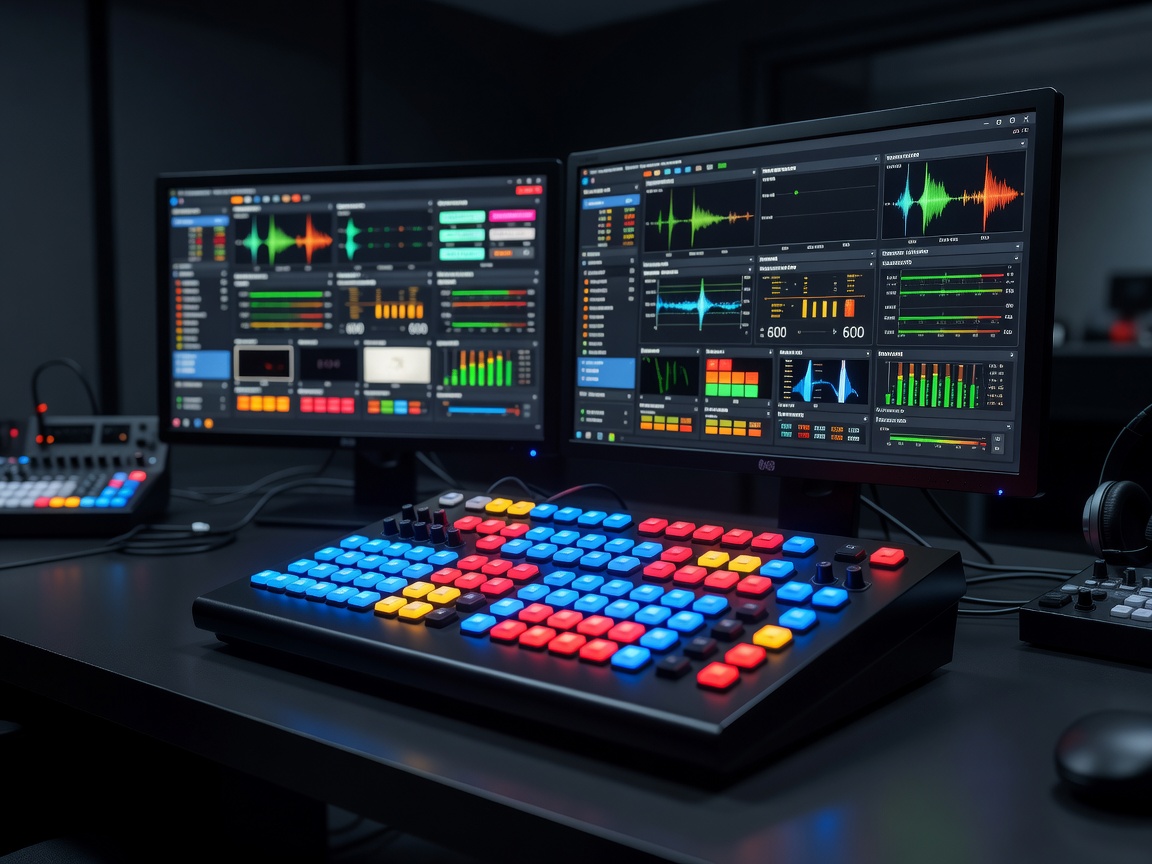
During a live broadcast, clicking through software menus to change scenes or mute a microphone looks unprofessional and distracts the host. Studio setups employ programmable USB macro pads. These physical control surfaces utilize customizable LCD keys that interface directly with broadcast software (like OBS Studio or vMix) via APIs. Pressing a single physical button can execute complex multi-step macros, such as playing a stinger transition, switching the camera angle, fading the audio, and sending an automated chat message simultaneously.